
Velato logovelato

Best Book Catalog Apps for Home Libraries in 2026

The best app for cataloging books depends on the job. A reader adding three new purchases needs a different workflow from someone facing six full bookcases, so this guide compares four popular options by what each one does best.

Want the process before the products? Read how to catalog a home library. If your main goal is knowing what you already own, see our book inventory app guide.

Quick comparison

Four book catalog apps, built around different priorities

There is no single best book catalog app for every reader. The useful distinction is whether you need to inventory physical shelves, manage a broader media collection, maintain detailed book data, or track your reading life.

Last reviewed August 2026. Product features and plans can change; use the product links below to confirm details that matter to your decision.

Comparison of Velato, Libib, LibraryThing, and Goodreads
CompareVelatoLibibLibraryThingGoodreads
Best fitLarge existing physical book collectionsPersonal or small-organization media catalogsDetailed book catalogs plus book communityReading tracking and discovery
Adding booksFull-shelf scan, barcode scan, or manual searchISBN/UPC scan, search, import, or manual entryBarcode scan, title search, import, or manual entrySearch and mobile barcode scanning
Full-shelf scanningPrimary workflowNot a primary documented workflowNot a primary documented workflowNot a primary documented workflow
Physical locationBookcase and shelf structureCollections and tags can organize a catalogCollections and tags can organize a catalogDigital shelves; physical location is not the focus
Other strengthsShelf locations, collection insights, sharing, and lendingMixed-media cataloging; circulation on paid plansReading progress, reviews, recommendations, groups, and statsReading status, reviews, recommendations, and friends
PlatformsiOSWeb, iOS, and AndroidWeb, iOS, and AndroidWeb, iOS, and Android
Free optionFree iOS downloadFree Basic planFreeFree

Product by product

Which book catalog app is best for you?

Velato

Best for: A substantial book collection that is already sitting on shelves

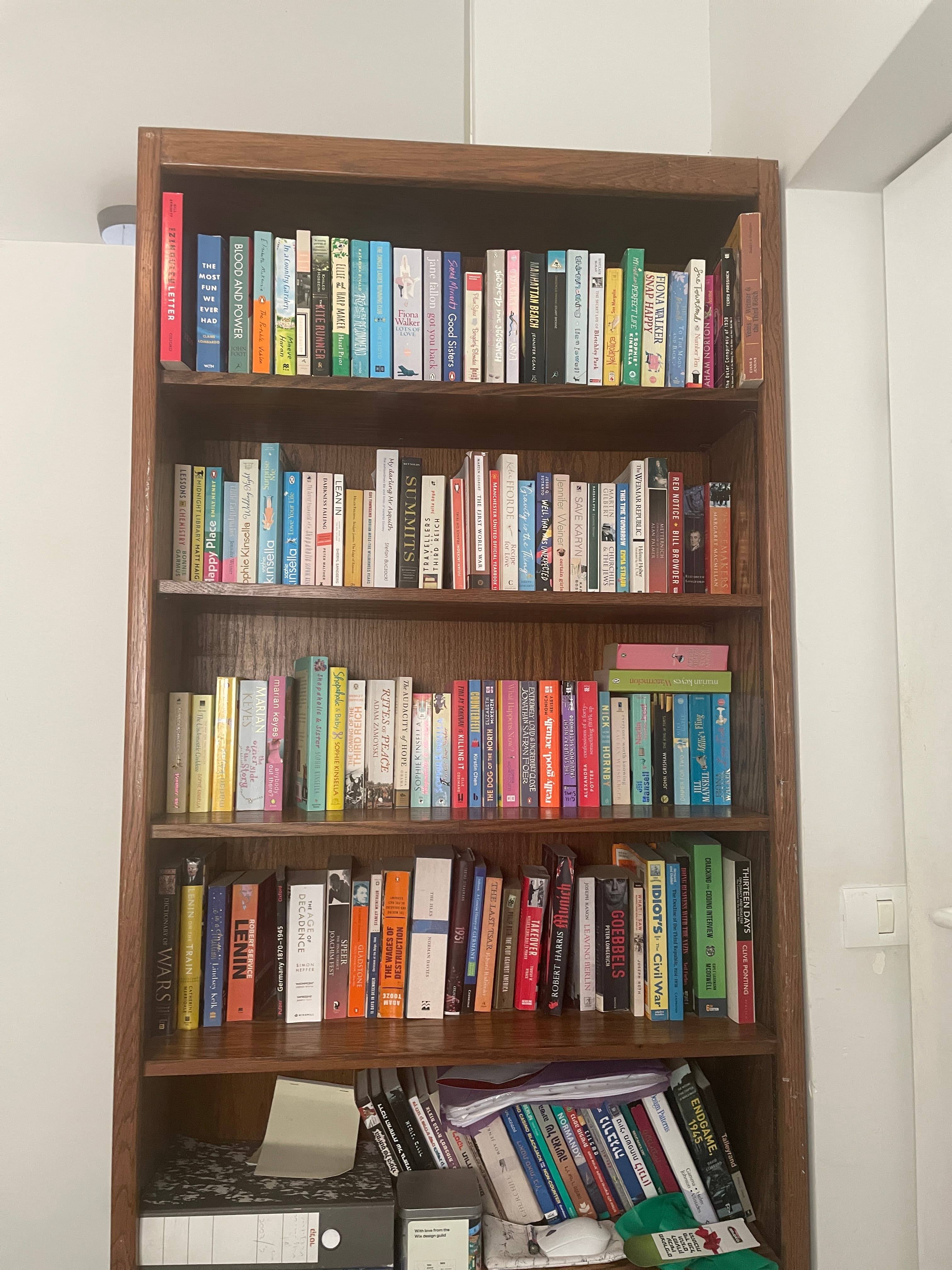
Velato starts with the physical shelf rather than an individual ISBN. Pan across visible spines, review the matches, and keep the catalog connected to where the books live. It is a focused choice for iPhone users whose main challenge is getting an existing home library inventoried quickly.

See Velato's shelf-first workflow

Libib

Best for: Flexible home, classroom, or small-organization catalogs

Libib catalogs books alongside movies, music, video games, board games, and other media. Its Basic plan is free for personal collections and supports ISBN/UPC scanning, manual entry, tags, groups, metadata, and exports; paid plans add circulation and patron-management tools.

Visit Libib

LibraryThing

Best for: Detailed book cataloging plus a long-established book community

LibraryThing is a free catalog for tracking a whole library as well as reading progress. Its web and mobile tools support barcode scanning and title-based additions, while the service also offers detailed catalog data, reviews, groups, recommendations, and community features.

Visit LibraryThing

Goodreads

Best for: Tracking reading and discovering what to read next

Goodreads is primarily a reading and discovery service. It is strongest for tracking books as read, currently reading, or want to read, along with reviews, recommendations, and friend activity. It can help record books, but physical shelf location is not its main job.

Visit Goodreads

Decision guide

A quick way to choose an app for cataloging books

  • Choose Velato if the main obstacle is getting a large, existing shelf collection into an inventory quickly while preserving its physical locations. Velato also includes collection insights, sharing, and lending tools.
  • Choose Libib if you want to catalog several media types or may need small-library management tools.
  • Choose LibraryThing if deep bibliographic records and participation in its established cataloging community matter most.
  • Choose Goodreads if your priority is its large social reading network, community reviews, and friend activity.

These categories overlap: catalog apps may also include reading, recommendation, sharing, or insight features. Choose based on the workflow you expect to use most, rather than assuming you need a separate app for every part of your reading life.

Velato's approach

Shelf-first cataloging is built for the collection you already own

Many book catalog tools begin with a single book: scan its barcode, search for its title, or type its details. That workflow is practical for ongoing additions. The effort becomes much more noticeable when hundreds of books are already arranged on shelves.

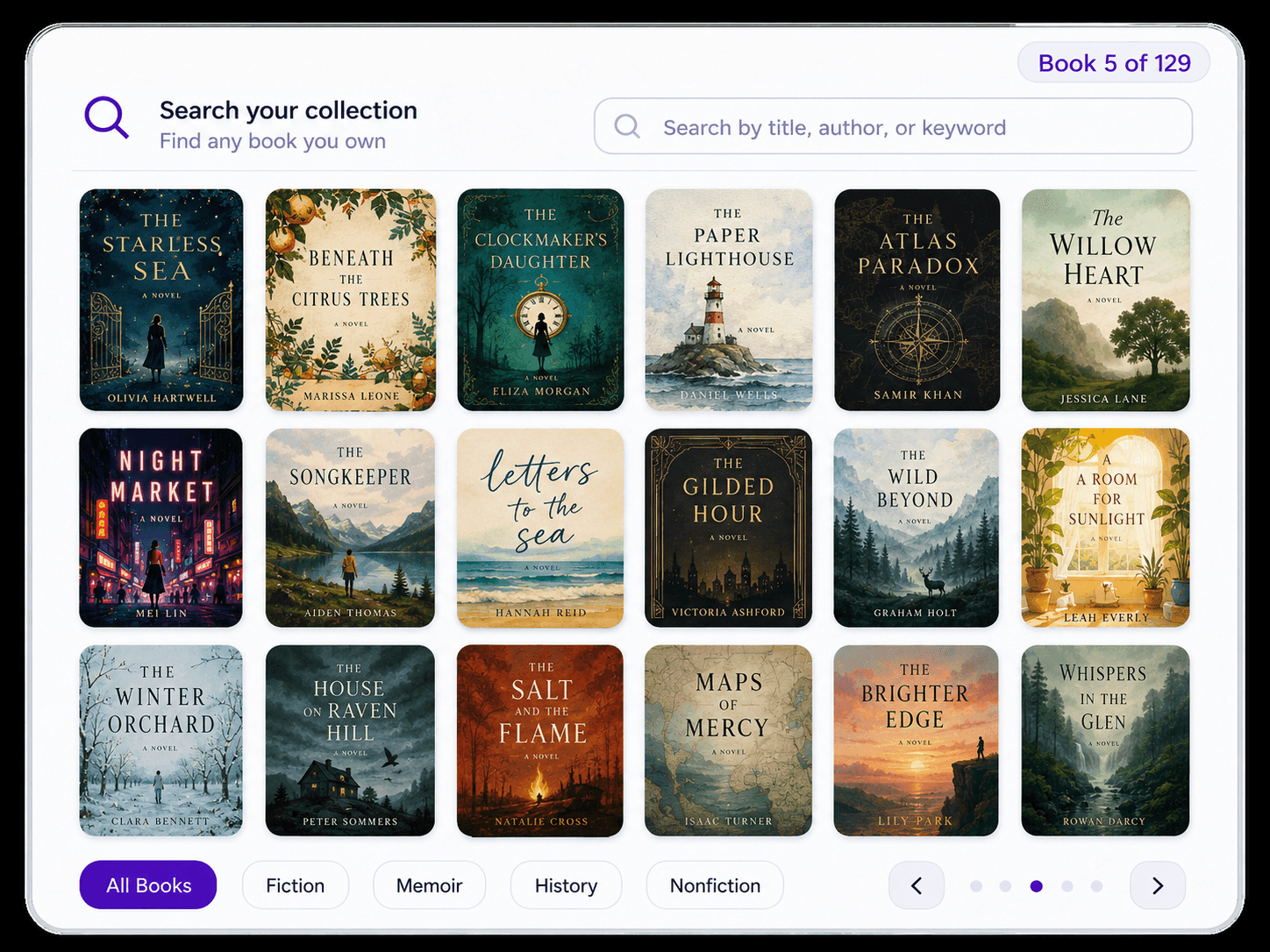
Velato begins with the shelf instead. An iPhone camera pass captures multiple visible spines, you review the matches, and the books stay connected to their physical location. That makes it most relevant when the initial inventory of a substantial home library is the main problem to solve.

Before choosing

Start with the job you need the app to do

Three questions usually narrow the field faster than comparing every feature on every plan.

  1. 1

    How large is the collection today?

    For a handful of books, manual search or barcodes may be perfectly practical. For full bookcases, the time required to capture each item becomes much more important.

  2. 2

    Do physical locations matter?

    If you need to find the actual copy later, look for shelf, room, collection, or location tools—not only a reading-status list.

  3. 3

    Is this an inventory or a reading network?

    Ownership, physical location, lending, recommendations, reviews, and social activity can overlap across products. Decide which workflow needs to be strongest for you.

Comparison

Useful distinctions

FAQ

Choosing a book catalog app

The right choice depends on whether you are cataloging possessions, managing a small library, or tracking your reading life.

  • What is the best app for cataloging a large existing book collection?

    If the main challenge is getting hundreds of books that are already on shelves into a catalog, prioritize capture speed and physical-location tracking. Velato is designed around that shelf-first workflow and also supports the ongoing organization, insights, sharing, and lending needs of a personal collection.
  • Are barcode scanners better than title search?

    Neither method is always better. Barcodes are convenient when the correct ISBN is easy to reach and edition precision matters. Title search helps when a barcode is missing or inaccessible. Both still process books individually, so collection size and available time matter.
  • Is Goodreads a home-library inventory app?

    Goodreads can organize books on digital shelves and is useful for reading status, reviews, recommendations, and reader activity. It is not primarily designed to preserve the physical bookcase and shelf location of copies in your home.
  • What is the difference between a book catalog app and a reading tracker?

    A catalog app focuses on the books you own and how you organize them. A reading tracker emphasizes what you have read, want to read, ratings, reviews, goals, or recommendations. Many products overlap across these areas, so it is more useful to compare their primary workflows than to treat them as mutually exclusive categories.
  • Can I use more than one book app?

    Yes, although you may not need to. Many catalog products also provide insights, sharing, recommendations, or reading features. Start with the workflow that solves your main problem, then decide whether a second service adds anything you genuinely need.

Have full shelves to catalog?

Try Velato's shelf-first approach on iPhone: scan the shelf, review the matches, and build a searchable catalog without handling every book individually.