
Spreadsheet or manual list
Best for: A small collection or a fully custom record
You control every column and can use any device, but each title and detail must be entered and maintained manually.
A useful home-library catalog tells you what you own and where it lives. The best method depends on the size of your collection, the detail you need, and how much time you want to spend building the first record.
Looking for a tool rather than a process? Compare book catalog apps or see how a shelf-based book inventory works.
Why catalog at all
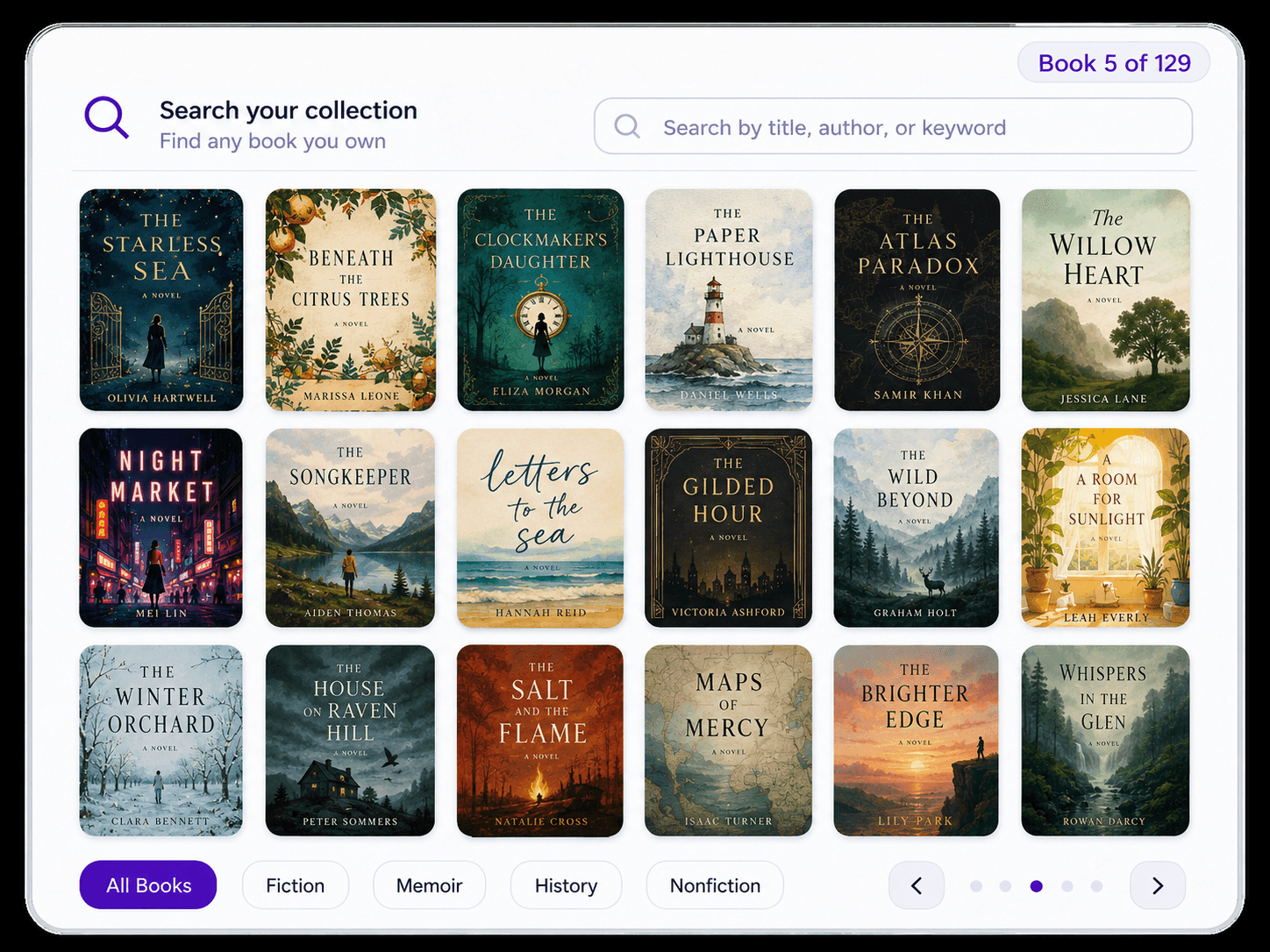
As a collection grows, familiar questions become harder to answer: Do I already own this title? Which translation is on my shelf? Where did I put that book? A home-library catalog creates one searchable place to answer them.
The goal is not to document every possible fact. It is to create a record you will maintain. For most personal libraries, reliable title, author, ownership, and location information matters more than building a perfect library-science system.
The Starting Point
Want the deep dive? Read our 8 practical benefits of digitizing your personal library →
Choose a capture method
There is no universally correct method. Collection size, edition detail, available time, and the tools you already use should determine the workflow.
Best for: A small collection or a fully custom record
You control every column and can use any device, but each title and detail must be entered and maintained manually.
Best for: Books without reachable or readable barcodes
Searching by title or author avoids typing every field, but you still select and confirm books individually.
Best for: Precise ongoing additions
A barcode can identify an edition quickly, but cataloging an existing shelf means removing, flipping, and scanning every book one by one.
Best for: A large collection that is already shelved
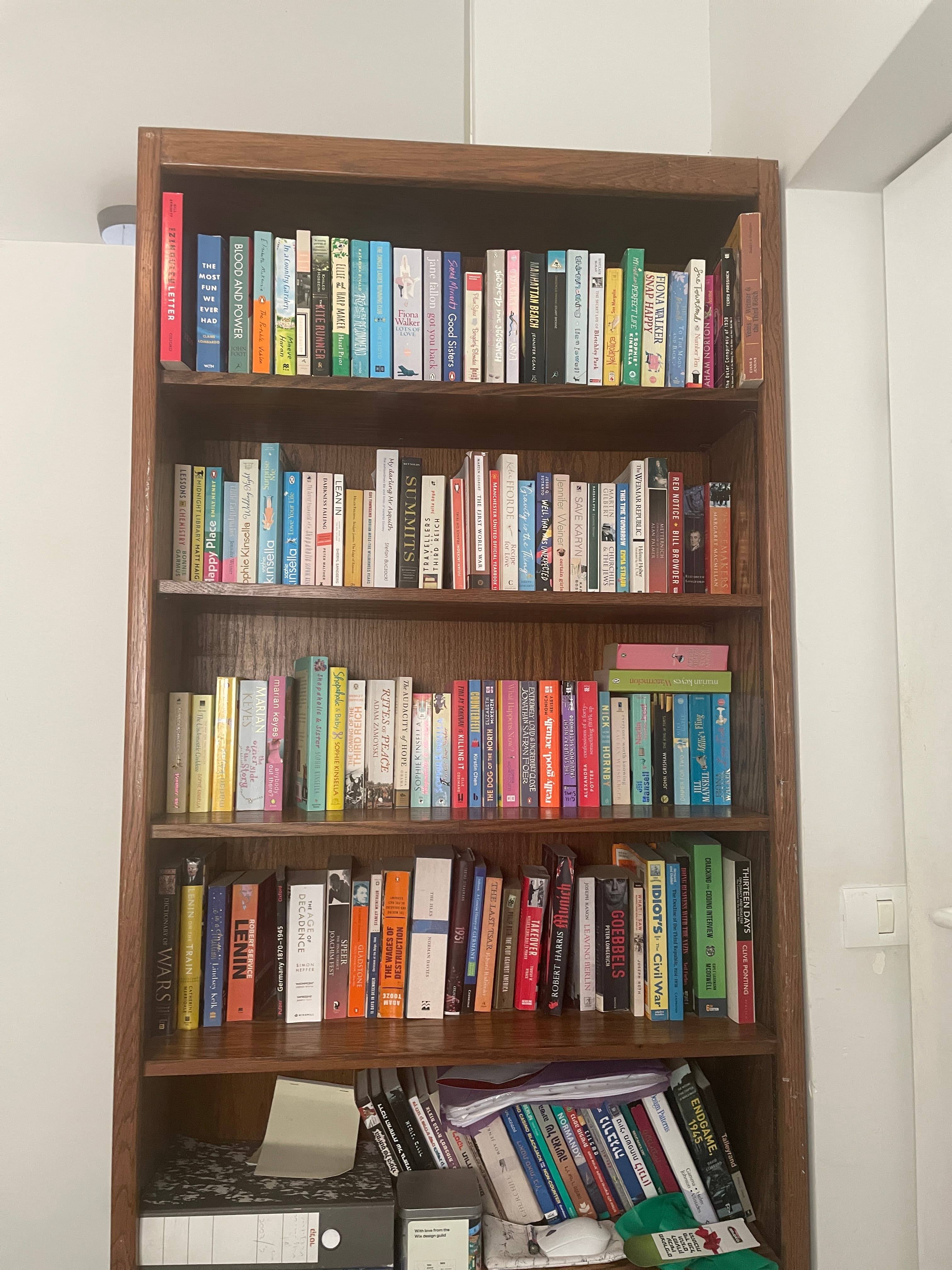
A shelf-first tool can capture many visible spines in one pass. Results still need review, especially when spines are obscured, worn, or difficult to read.
What to track
More fields are not automatically better. Start with the information that answers real questions about your collection, then add detail only where it earns its keep.
The minimum useful identity for searching and recognizing a book.
Record ISBN, publisher, publication year, translator, or edition details for collectible, academic, translated, or illustrated books.
Use a room, bookcase, shelf, or section name that makes sense when you need to retrieve the physical copy.
Distinguish books you own from wish-list items, borrowed books, lent copies, and books you plan to remove.
If books often leave the house, record who borrowed a copy and enough context to remember where it went.
For an already-large collection
Do not begin by designing a perfect taxonomy. Choose one bookcase, use the room and shelf labels you already understand, and finish a small section before expanding. A usable partial catalog is better than an elaborate abandoned one.
If one-by-one entry is the bottleneck, a bookshelf scanner can create the first pass. Velato is one option: pan an iPhone across the row, review the identified books, and continue shelf by shelf. Manual corrections become the smaller job instead of the entire project.
Finish one shelf or bookcase before moving to the next, so progress remains easy to verify.
Correct missed titles and obvious mismatches before adding optional edition-level detail.
Name the room, bookcase, and shelf during capture instead of reconstructing locations later.
A practical process
Start with the decisions that shape the catalog, test them on one shelf, and only then scale the workflow to the rest of the collection.
Choose the questions that matter, such as whether you own a title and where the physical copy lives.
Select a spreadsheet, title search, barcode scanning, bookshelf scanning, or a combination based on collection size and available time.
Use room, bookcase, and shelf names that are easy to recognize in the physical space.
Complete a manageable shelf first, correct errors, and adjust the fields before processing the rest.
Add new books when they arrive and update locations whenever shelves are reorganized.
Related guides
Once you know the process, these pages go deeper on the tool, inventory, and shelf-scanning decisions.
See how Velato, Libib, LibraryThing, and Goodreads differ by cataloging workflow and best use case.
Compare book catalog appsFocus on the ownership problem: knowing what you have, where it is, and whether a title is already in your collection.
Explore book inventoryIf one-by-one entry is the bottleneck, see how Velato captures multiple visible spines in a single camera pass.
See bookshelf scanningFAQ
Practical answers for starting a catalog and keeping it useful afterward.
Velato can create the first pass from visible book spines, so you can spend your time reviewing the catalog instead of typing every title.