
Catalog your home library from a photo
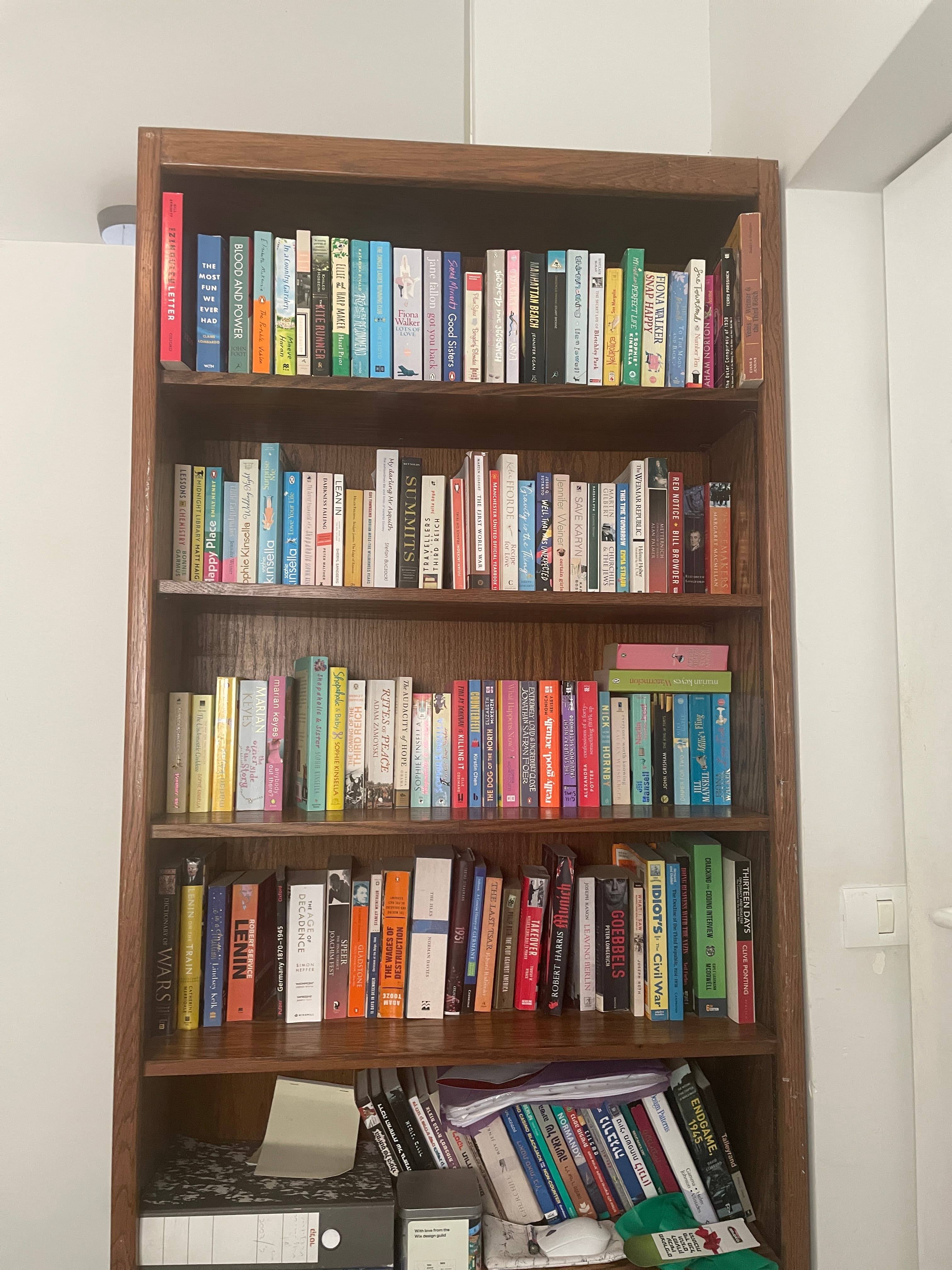
Best photos look like:

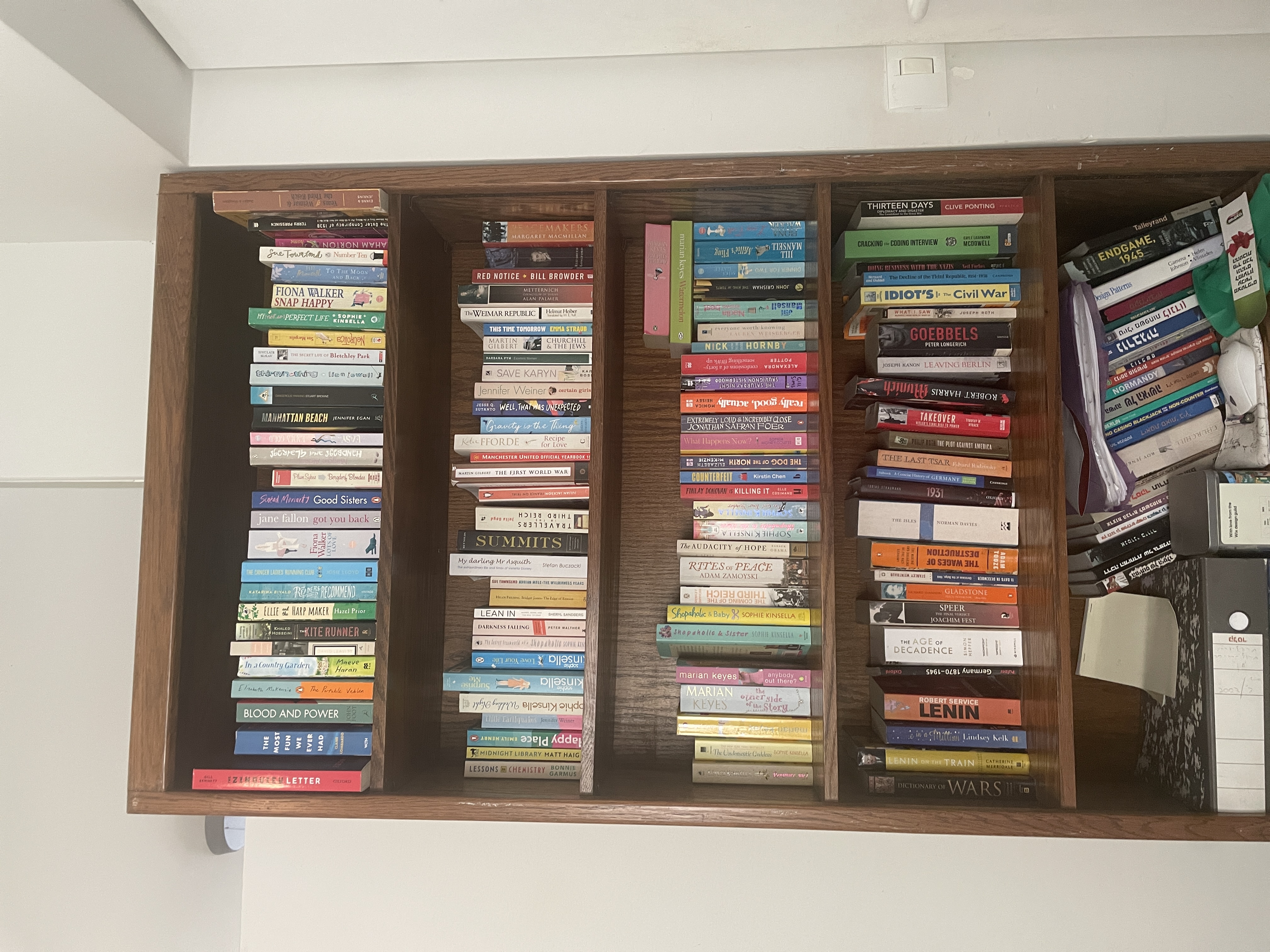

Straight-on · Readable spines · No zoom out · Good light
Questions & answers
Bookshelf scanner FAQ
What to expect before you photograph or upload your bookcase.
How does Velato protect my privacy?
Your privacy is our priority. We never sell, rent, or share your catalog data or reading habits with third parties. Furthermore, we never use your personal bookshelf photos to train AI models. Your library is completely private by default, and sharing it with others is always a separate action you control.
What happens to the photo I upload?
Velato temporarily stores your photo to detect the shelves and identify the books. If you don't create an account, your uploaded photos are automatically deleted from our servers after 30 days. If you do create an account, we securely keep them so you can access your scan history. You can permanently delete your account and photos at any time.
Read the Privacy PolicyDo I own my data, and can I delete my account?
Yes. You have complete control over your library. You can permanently delete your account and all associated data directly from within the Velato iOS app with a single tap. If you ever want to export your catalog data to take it elsewhere, just contact our support team and we will happily provide it for you.
How does Velato catalog books from a bookshelf photo?
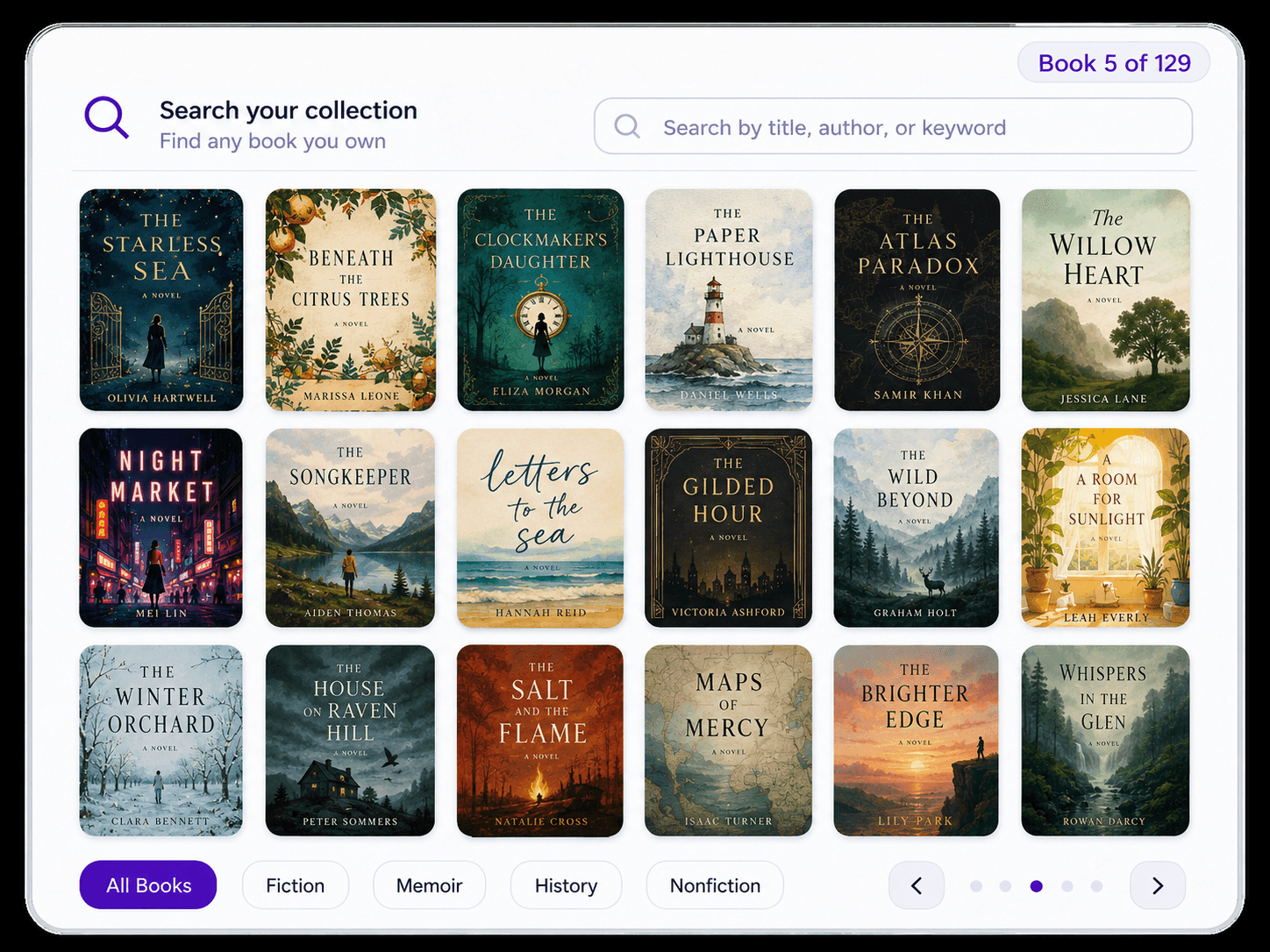
Take a photo on your phone or upload an existing image. Velato finds the shelves, reads the visible book spines, and turns the books it identifies into a searchable catalog preview—without requiring you to handle or scan every book individually.
What kind of bookshelf photo works best?
Photograph the bookcase straight on in good, even light. Keep the full unit in frame, use 1× zoom, and make sure the spine text is reasonably large and in focus. Avoid glare, deep shadows, motion blur, and strongly angled photos.
What if my bookshelf doesn't fit into a single image?
Start with a part of your bookshelf that fits clearly in one photo. You can add more photos later to catalog the rest of your shelves.
Can Velato scan an entire bookcase at once?
Yes. Velato is designed to find multiple shelves and identify many visible books from one bookcase photo. If a bookcase is especially wide or the spine text looks very small in the photo, you may get better results by photographing it in separate sections.
What happens if Velato misses a book or identifies one incorrectly?
Recognition quality depends on how clearly the spines appear in the photo. You can review the preliminary results before saving them. After creating an account, you can use the Velato iOS app to manage your library and correct individual book details.
How long does it take to scan a bookcase?
Processing time depends on the photo and the number of shelves and books. Velato shows progress shelf by shelf while it works, so you can see which shelves are processing and how many books have been found.
Is the bookshelf scanner free to use?
Yes. The bookshelf scanner is free to use, and creating a Velato account to save your catalog is free too.
Do I need to create an account to see my results?
No. You can scan your bookshelf and preview up to 50 identified books without signing up. Create a free Velato account to save the complete catalog to your library.
Does it work with books in different languages?
Velato currently works best with books in English. It may identify books in other languages when the spine text is clear and the title is available through its book-data sources, but results can vary by language.